
If your Outlook is working or is connected to the Exchange Server, then extracting emails and other mailbox items from OST file is simple. You can use Outlook’s built-in Import/Export wizard. But if you have lost access to the Exchange Server, then you need to take the help of a specialized OST to PST converter.
This guide shows how to extract emails from OST file without Exchange Server connectivity by using a free online OST converter.
OST File – An Overview
This Outlook data file is a local copy of a user’s mailbox on the Exchange Server. This Offline Storage Table file allows access to emails, calendars, and other mail items, even without internet or server connectivity.
However, this file is encrypted with MAPIEntryID GUID key and tied to the specific Outlook profile and Exchange mailbox. This means if your Exchange Server or profile is not available, the OST becomes inaccessible.
Common Reasons for Extracting Emails from OST File without Exchange Connectivity
Here are the most common situations where you need to extract emails from OST file:
- The user account was deleted from Active Directory.
- The user has left the company and you need to your recover mailbox data from their OST file.
- The Outlook profile got corrupted or accidentally removed from the system.
- The Exchange Server has been shut down, crashed, or decommissioned.
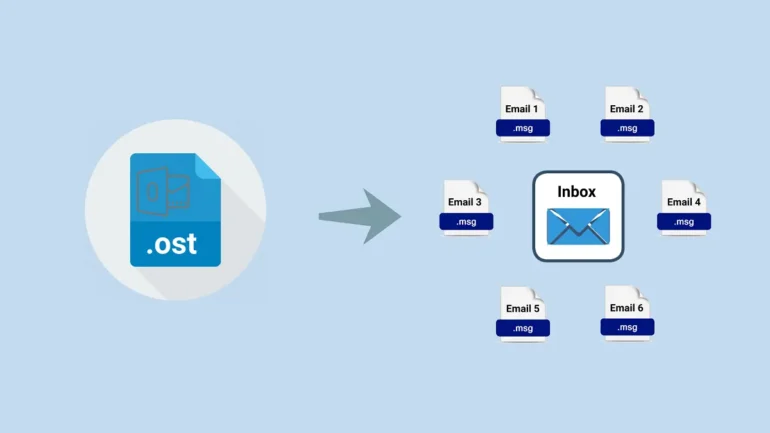
How to Extract Mailbox Items from OST File without Exchange Connectivity?
As we have mentioned earlier, you need to use an advanced OST to PST converter tool to extract your mail data in OST file without Exchange Server connectivity. For this, you can choose online OST to PST converter by Stellar. This converter is specifically designed to convert an OST file to PST format without Outlook or Exchange Server connectivity. It has a simple user interface that enables you to convert OST to PST with just a few clicks.
Additionally, you can track the live progress of the conversion process. It ensures complete data privacy and security as the uploaded OST file and the converted PST file are automatically deleted from the company’s server within 24 hours. It can efficiently convert OST file of up to 500 MB for free.
Now, let’s see the steps to convert an OST file to PST format:
- Open a window in your web browser (Chrome, Firefox, etc.).
- Visit the official website, or type online OST to PST converter on the browser.
Note: You need to sign up and create an account.
- Sign in and click on Upload OST File.
- Locate and select the OST file.
- Click on Open. Wait for the file to upload.
- Once the uploading is complete, click Start Conversion. You can track the progress of conversion on the screen.
- It may take a few minutes to complete the conversion process. After process completion, the tool will display two options – Preview and Save PST File.
- Click on Preview if you want to view the converted file in HTML format before saving.
- Else, click Save PST File to download the converted PST file.
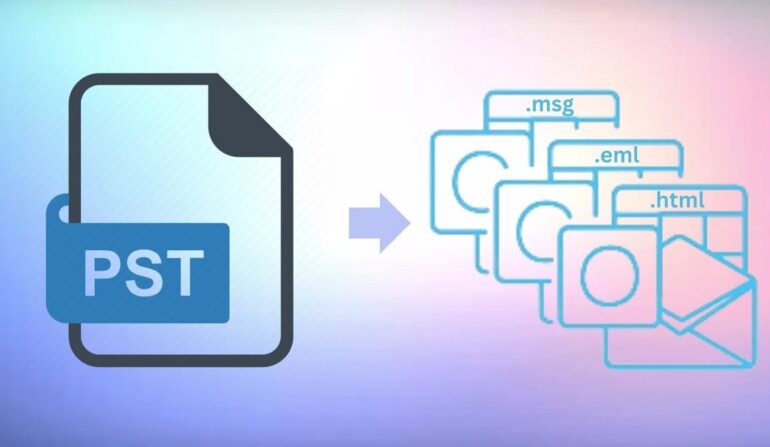
Note ─ To convert larger OST file (up to 5 GB in size), you can upgrade to its premium version.
The converted file will be downloaded in the default Download folder.
You can now import this PST file into any Outlook profile/account by using the Import/Export Wizard and access your mail items.
Conclusion
If your Outlook is not connected to the Exchange Server, the only way to extract the emails or other mailbox items from OST file is by converting such a file to PST format. For this, you can use online OST to PST converter by Stellar.
It provides a quick and secure way to convert OST file (of up to 500 MB) to PST for free. Nevertheless, if you’ve large, multiple OST files, then you can opt for the desktop version of Stellar Converter for OST. This tool can effectively convert OST files, without any file size restrictions.